
Introduction: The cloud has a footprint
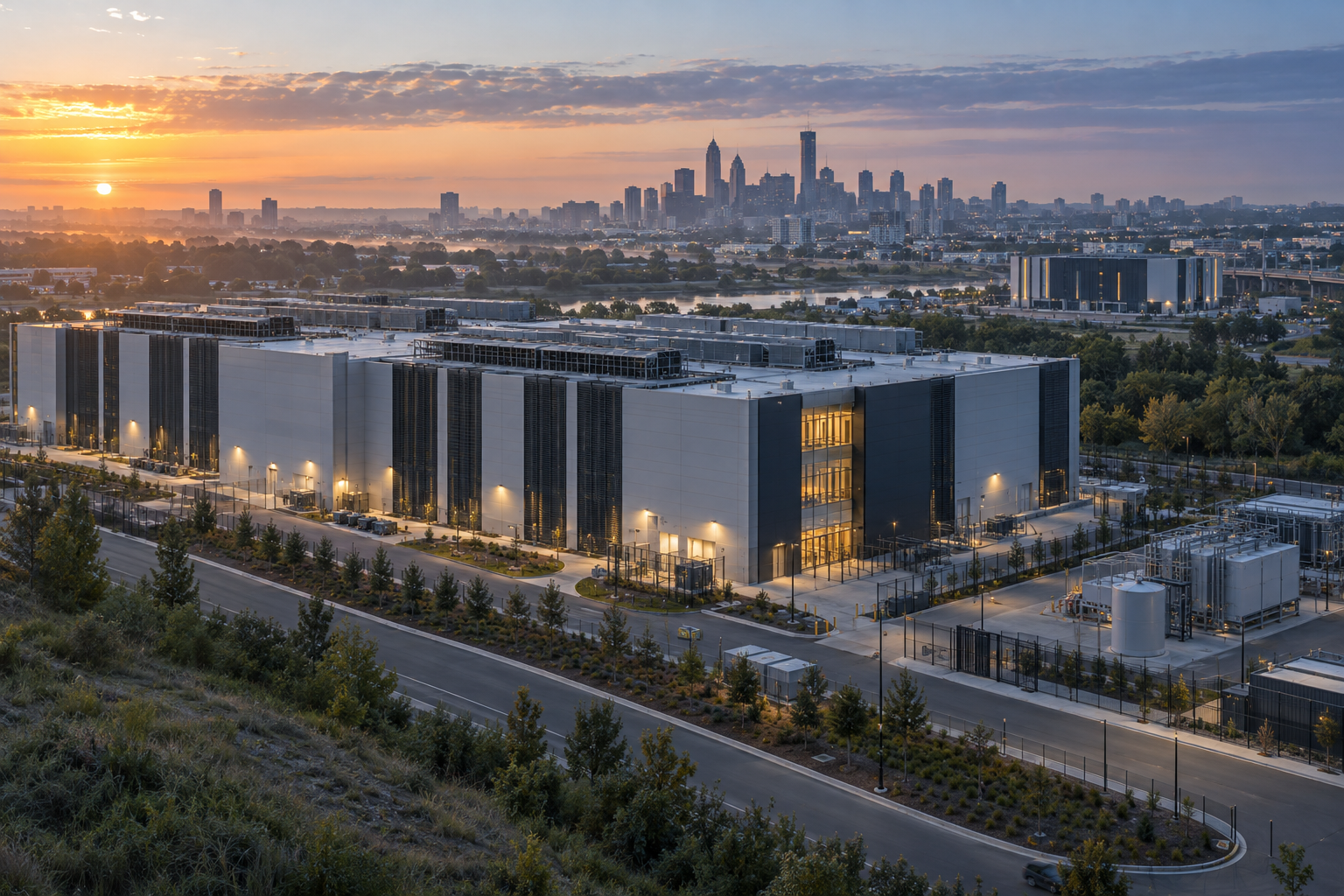
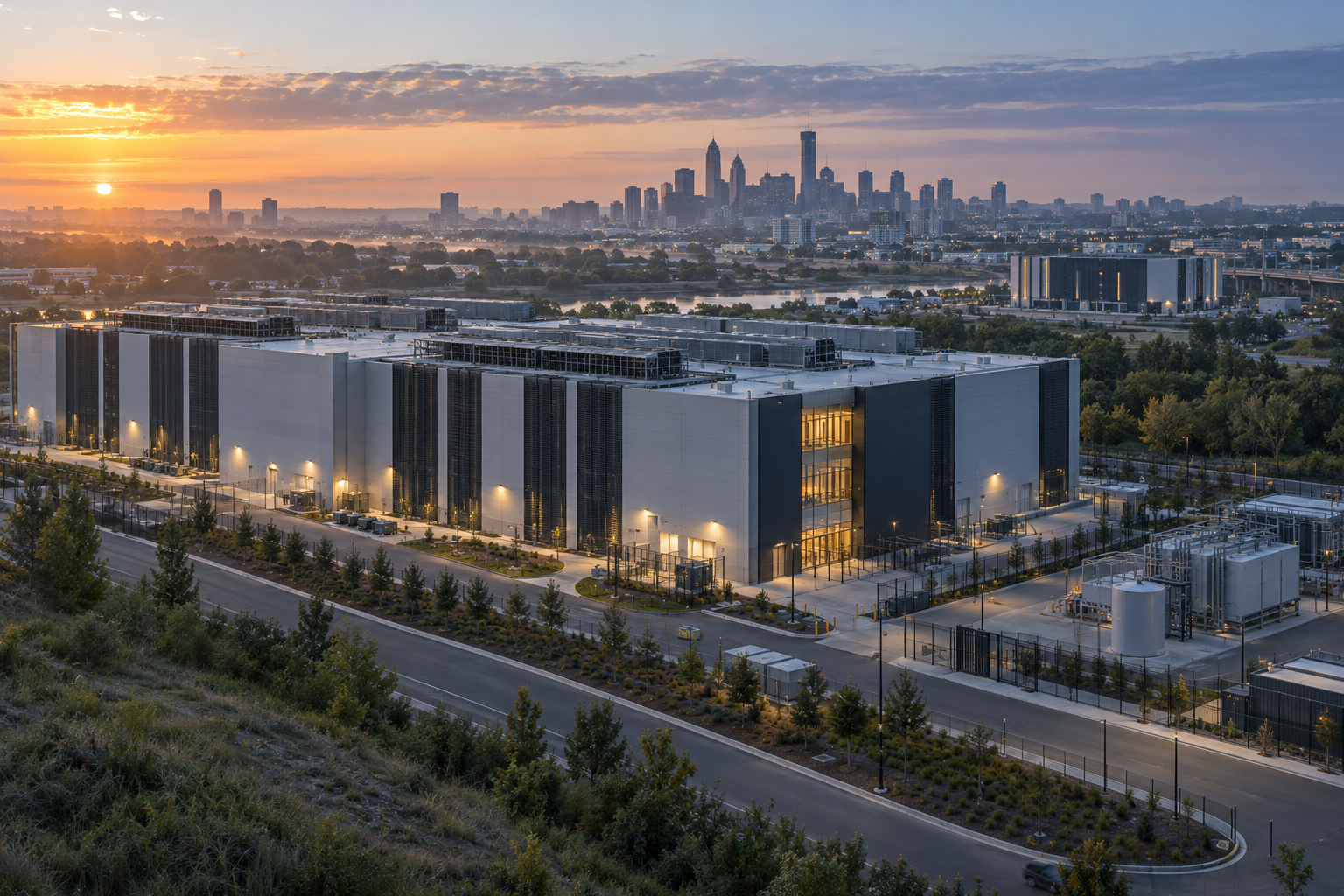
A new data center campus is planned on the edge of a growing city. The proposal includes large buildings, a power substation, cooling equipment, and backup generators. The developer promises investment and jobs. Residents want to know how much electricity the site will use, whether it will draw on local water, and how it will affect the surrounding area.
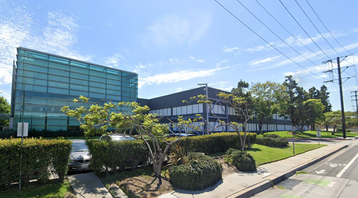
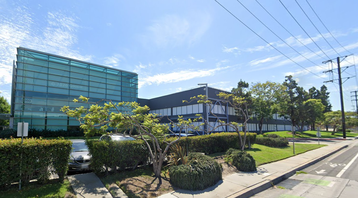
Across the city, a smaller data center operates inside an existing industrial building. It serves local businesses and supports services for nearby residents. Like the proposed campus, it needs reliable power, cooling, security, and skilled workers. The two facilities differ in scale, but both help make the cloud work.
“The cloud” can make digital services sound weightless. In reality, files, videos, and software depend on computers housed in physical buildings. Those buildings need electricity, cooling systems, security, and network cables. Although most people never see this infrastructure, it has a real footprint.
That footprint is growing as cloud services spread and artificial intelligence increases demand for powerful computers. At the same time, large data center projects can take years to secure land, equipment, permits, and electricity connections. As a result, communities are asking how these projects will affect local resources and daily life.
Smaller, regional, and modular facilities may bring computing closer to users, process information near the devices that produce it, or add capacity in stages. However, smaller does not automatically mean cheaper, greener, or more reliable. These facilities still need power, cooling, network connections, and maintenance.
The key question is which facility best suits each kind of computing work. Some tasks benefit from the scale of a large campus. Others may work better closer to the people and devices using them. To explore that choice, it helps to first clarify what “small data center” means.
1. What counts as a small data center?
Before comparing smaller data centers with large campuses, it helps to understand what “small” means. There is no single size everyone agrees on. Instead, people often describe a facility by its purpose, who it serves, or where it is located. These labels can overlap.
A hyperscale campus is a very large site, often made up of several buildings, that supports major cloud and technology companies. It can hold huge numbers of computers and is designed to grow as demand increases. These campuses usually serve customers across a wide area.
A colocation data center rents space to businesses that want to operate their own computer equipment. The operator provides the building, electricity, cooling, security, and network connections. Some colocation facilities are large campuses, while others serve a city or region.
A regional data center serves a particular part of a country or a group of nearby communities. It might support local businesses, government services, or customers who want their information kept close to home.
An edge data center is placed closer to the people or devices that use its services. For example, a facility near a factory could process information from machines on the factory floor. “Edge” does not always mean tiny. It describes the facility’s location in relation to its users or data sources.
Finally, a modular data center is built from standard sections that can be added over time. Some sections are assembled elsewhere and then brought to the site. This can help an operator add capacity in stages, but the facility still needs a suitable site, electricity, cooling, network connections, and trained staff.
These labels describe different things, so they can apply to the same facility. A regional site might use a modular design, for instance. Therefore, useful questions include: How much computing capacity does it have? Who does it serve? How close is it to its users? And what work does it perform? Those answers help explain why data centers grew so large in the first place.
2. Why data centers grew so large
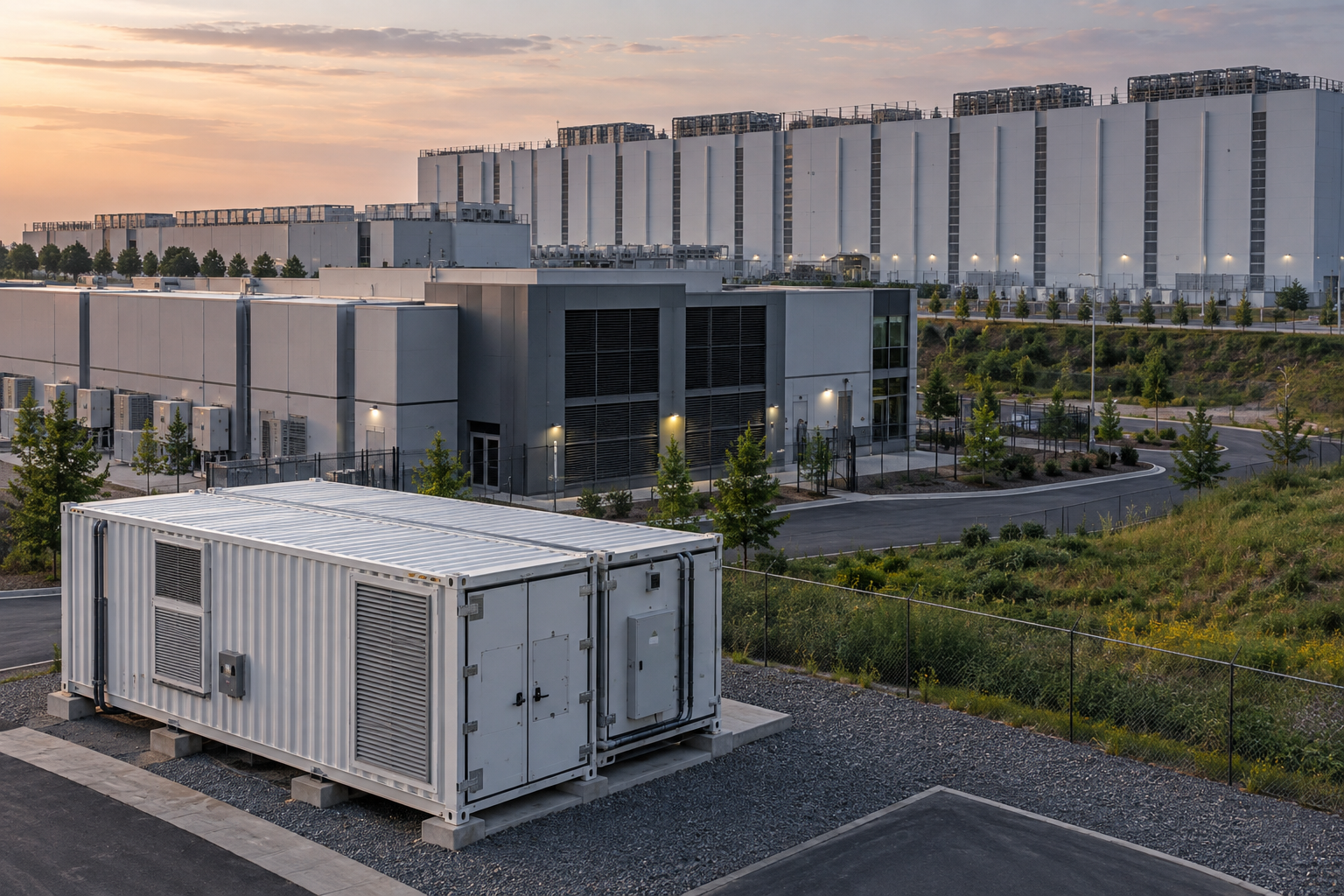 Large data centers grew because computing infrastructure has substantial costs beyond the computers themselves. A facility needs buildings, electrical equipment, cooling, security, backup systems, and network connections. By putting many computers in one place, operators can share much of this supporting infrastructure.
That scale can make operations simpler. Staff can work at one site, equipment can be maintained in a central location, and operators can use consistent designs across the campus. Large providers can also buy equipment in high volumes and negotiate for land, electricity, and network services.
There is another advantage: workloads can move among many computers at the same site. If one machine needs maintenance, another may be able to take over. Operators can also shift work to where capacity is available. For tasks that do not need to run close to a particular user, this flexibility can be valuable.
Large campuses can also be designed to use power and cooling efficiently. Their size makes it possible to use systems that would be impractical in a small building. When the computers are busy, the costs of shared infrastructure are spread across a large amount of work.
However, these advantages do not mean that bigger is always better. A large campus concentrates demand for electricity, land, equipment, and construction in one place. It may need new power lines or substations, and those upgrades can take years. The site may also face local concerns about water use, traffic, noise, and land development.
As computing demand rises, operators have reason to build large facilities. Still, the same growth is making location and access to infrastructure more important. That is one reason smaller facilities are receiving renewed attention.
3. Why smaller facilities are getting attention
Smaller, regional, and edge facilities are attracting interest because some computing work benefits from being close to the people or devices that use it. The delay between a request and a response is called latency. For everyday tasks, a small delay may not matter. For industrial controls, interactive services, or some communications systems, a quick response can be more important.
Data also increasingly comes from equipment outside traditional offices. Factories, cameras, vehicles, and sensors can produce large volumes of information. Sending all of it to a distant facility may use network capacity without adding much value. Processing the information nearby can allow a system to respond locally or send only useful results onward.
Some organizations also want more control over where their information is stored and handled. A business may want computing near its operations, while a public agency may prefer regional services. Rules about data can influence these choices, although the exact requirements depend on the type of information and the applicable laws.
There are practical reasons, too. A company may want capacity in a region where building a large campus would take years. A smaller facility could potentially be added in stages as demand grows. Modular construction may help with that approach, since operators can add standardized sections over time.
Still, these trends do not mean all computing is moving closer to users. Many tasks can run in a distant facility without affecting the experience. A smaller site is useful when it solves a real problem, such as slow response times or costly data transfers. The next question, then, is where smaller facilities offer a clear advantage.
4. Where smaller data centers may have an advantage
Smaller data centers can be useful when the location of computing affects how well a service works. One example is an industrial system that needs to respond quickly. If machines on a factory floor send information to a nearby facility, the system may be able to react faster than if every request travels to a distant campus.
They may also help when large amounts of data are created locally. A camera system, for instance, could produce more video than an organization needs to store or review. A nearby computer system could identify relevant events and send only selected information elsewhere. This may reduce network traffic and help staff act sooner.
Regional facilities can also serve customers who want services closer to home. Businesses may value local support or access to nearby network connections. Government agencies and other organizations may prefer regional systems for operational reasons or because they have requirements about where information is held.
Smaller facilities may also allow operators to add capacity in stages. Instead of building a large site for demand that may never arrive, an operator could start with a smaller facility and expand if customers need more computing power. This can be useful when local demand is uncertain.
However, proximity alone does not guarantee a better service. A nearby facility may still have slow software, limited capacity, or poor network connections. It also needs staff, maintenance, security, electricity, and cooling. If local demand is low, the facility may sit underused.
For that reason, each proposed site needs a practical case. What work will it do? Who needs it nearby? How much data or delay will it save? Even when the answer is yes, the facility still needs to prove its value in energy and cost.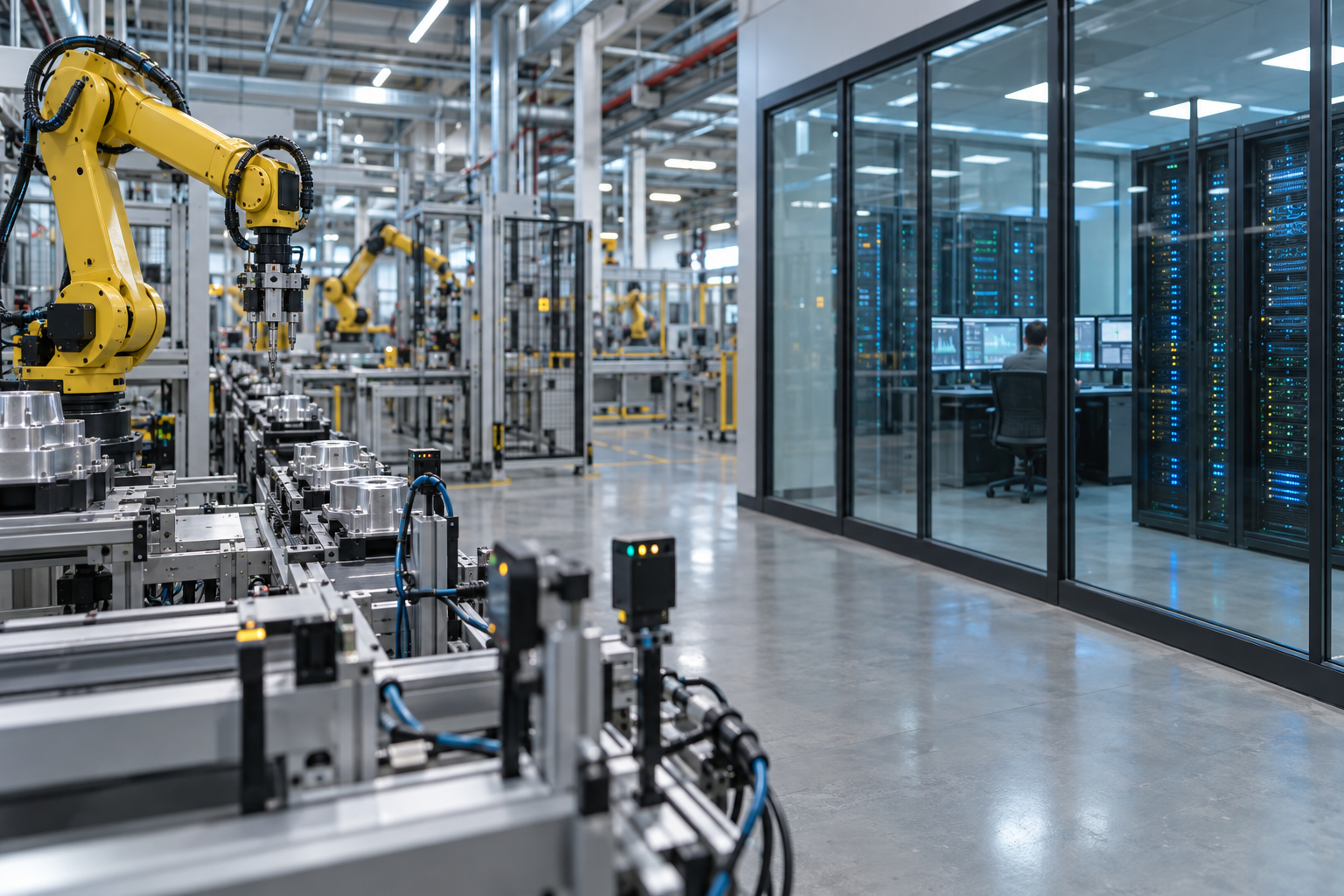
5. The efficiency question
It is tempting to assume that smaller data centers use less energy because they occupy less space. But size alone does not show how efficiently a facility delivers computing. A small site can use a lot of electricity for the amount of work it performs, especially if its computers sit idle or its cooling and power systems are not well matched to demand.
Large campuses can spread shared costs across many computers. They may use centralized cooling, power systems, and staff. If the equipment is kept busy, the facility can deliver a large amount of computing with relatively little supporting overhead per task.
Smaller facilities may have other advantages. They could be close to a useful power source or to the users who need their services. They may also reduce the amount of information that has to travel over long distances. However, they may need to duplicate systems that a large campus shares, and each site requires maintenance.
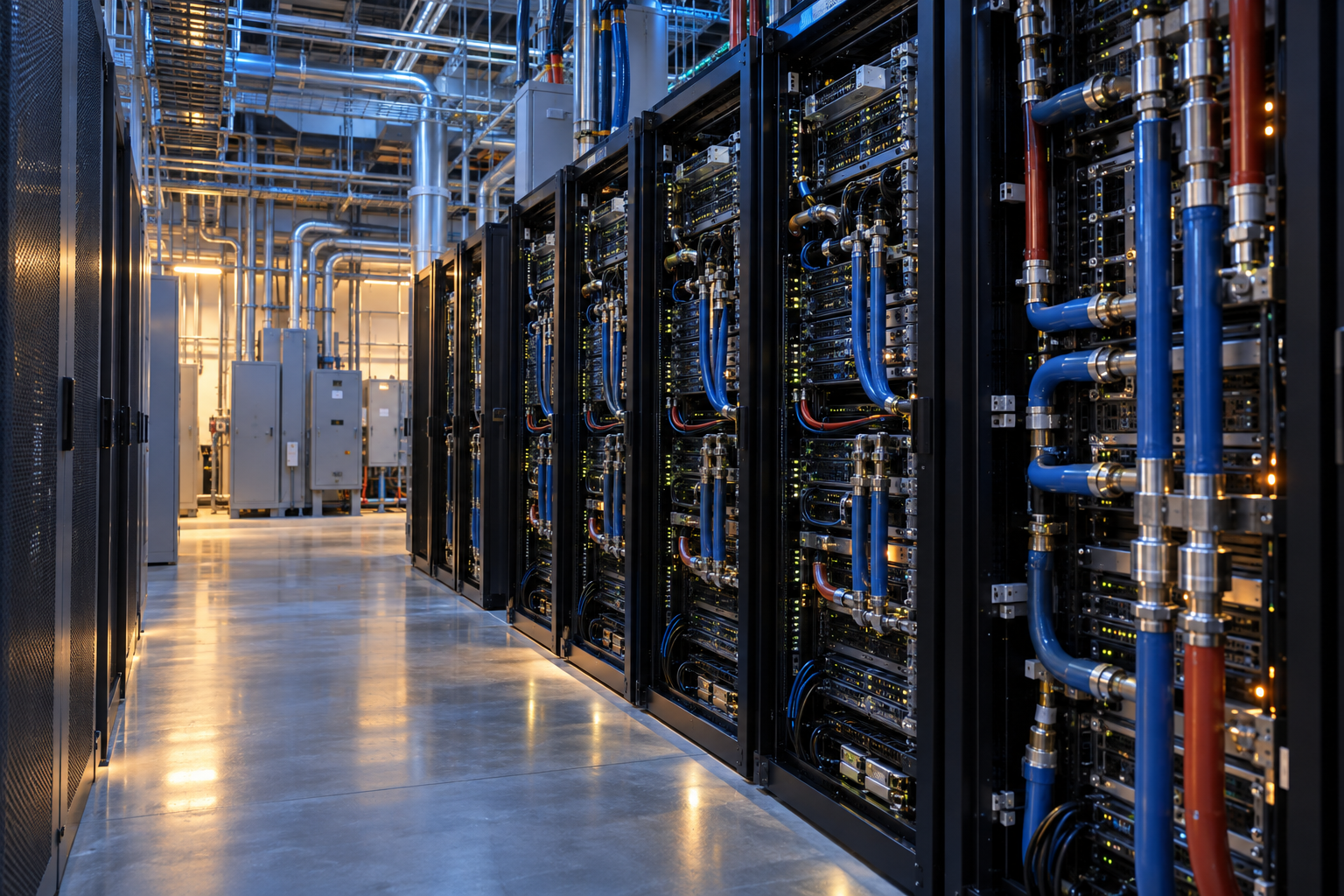
 One common measure is power usage effectiveness, or PUE. It compares all the electricity used by a facility with the electricity used by its computers. A lower figure generally means less electricity is going to supporting systems such as cooling. However, this measure does not show how much useful work the computers deliver, where the electricity comes from, or how much water and material the facility uses.
A fair comparison needs to consider the workload, server use, electricity source, cooling method, network demands, and equipment. A large facility might be more efficient for computing that can run anywhere. A regional site might make sense if it avoids substantial data transfers or supports work that needs a quick local response.
The best choice depends on what the facility does. The same is true for reliability, where size matters less than how the whole system is designed.
6. Reliability: many locations or one?
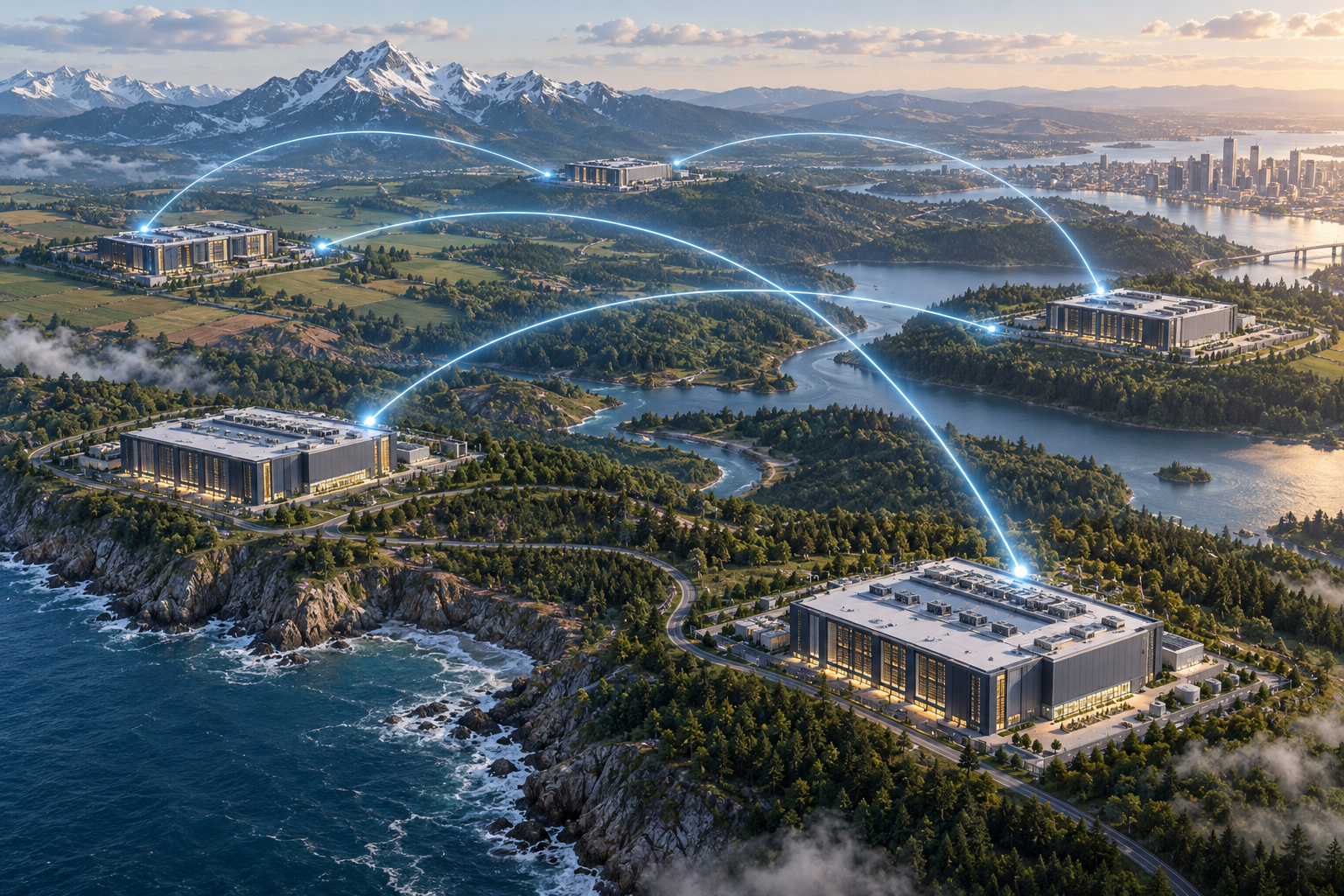
A network of smaller data centers can help keep services running if one location has a problem. If a storm, power failure, or equipment issue affects one site, another facility might take over. Having sites in different places can also reduce the chance that one local event disrupts all of them.
However, this only works if the operator plans for it. Other sites need enough spare capacity to accept the extra work. The network connections between facilities must remain available, and the software must be able to move tasks safely. Some information may need to be copied in advance so it is ready when needed.
A distributed system can also create new points of failure. Each facility has its own power equipment, cooling, security, and computers. More sites mean more equipment to monitor and maintain. If the facilities are not managed consistently, a small problem may go unnoticed or take longer to fix.
A single large campus can also be designed with backup systems. It may have spare equipment, backup power, and staff on site. Yet concentrating operations in one place may leave a service more exposed to a local disaster or a failure that affects the whole campus.
So the question is not whether many small sites are automatically safer than one large site. Instead, operators need to consider what happens when power, equipment, network connections, or an entire facility fails. They also need to test their plans rather than assume another location can take over.
Reliability depends on people, planning, and working backup systems. Those choices also affect the cost of running a distributed network.
7. The economics of a distributed model
Comparing one large campus with several smaller sites requires looking beyond the cost of building the facilities. Operators also pay for land, computers, cooling, electrical systems, network links, staffing, security, and ongoing repairs. They must also decide how much spare capacity to keep available in case demand rises or equipment fails.
A large campus can benefit from shared systems and concentrated staff. It may be easier to manage a large number of computers in one place than to support many facilities across a region. Large operators may also buy equipment in high volumes or negotiate favorable terms for power and network services.
On the other hand, a group of smaller sites may serve local customers more directly. It could reduce delays or avoid moving large amounts of data over long distances. Operators can also add capacity in smaller stages if demand grows gradually.
Yet several sites can be expensive to coordinate. Each may require its own security, backup equipment, maintenance plans, and local support. Network links between them add costs. If demand falls at one location, the computers there may be underused even when another facility has more work.
The best choice depends on the work being done and the conditions in each location. Electricity prices, construction costs, grid connections, staffing, and customer demand can all change the result. A task that can run overnight may fit well in a large campus with spare capacity. A service used heavily in one region may benefit from nearby computing.
Any cost comparison should make its assumptions clear. There is no single model that wins everywhere. The local effects of each option matter too.
8. Local impacts can be spread or concentrated
Data centers affect the places where they are built, but those effects vary by site and design. A large campus can require substantial land and electricity infrastructure in one community. It may need new substations or power lines, and construction can bring traffic, noise, and disruption. Depending on its cooling system, the facility may also use water.
Smaller facilities tend to occupy less space individually. However, a network of them could place infrastructure in more neighborhoods. Each site still needs power, cooling, secure access, and network connections. If many small facilities are built, their combined demand may be significant even when no single site is large.
The local benefits can vary as well. Construction may create many temporary jobs, while the number of permanent roles at an operating facility may be smaller. Data centers can contribute tax revenue and support local businesses, but communities need clear information about public incentives and who pays for infrastructure upgrades.
Water use deserves particular attention. Some facilities use water as part of their cooling process, while others rely on different systems. The amount can depend on the climate, equipment, and operating choices. Similarly, backup generators may be tested occasionally, but the type and frequency of use can differ by facility.
Communities should therefore ask specific questions about a proposed site. How much electricity and water will it need? What upgrades are required? Who will pay for them? How many jobs are expected during construction and once the facility is running?
Those questions apply whether the project is large or small. Smaller facilities also bring their own operating challenges.
9. The challenge of operating many sites
Managing one large data center is already a demanding job. Managing many smaller sites can add another layer of work. Operators must keep equipment, software, security rules, and maintenance schedules consistent across locations. If one site is configured differently from the others, it may be harder to fix problems or move work between facilities.
Staffing can also be difficult. A large campus may have technicians on site at all hours. A smaller facility may have fewer workers, or none present full-time. When equipment fails, a technician may need to travel to the location. That can increase repair times, particularly when a site is far from the operator’s main workforce.
Operators must also plan for spare parts. A small facility may not hold as many replacement components as a large campus, so a repair could depend on shipping equipment from elsewhere. Security requires attention too. Each location needs protection for its computers, building systems, and network connections.
Monitoring tools can help staff oversee facilities remotely. They can report temperature changes, power problems, and equipment failures. Still, monitoring cannot replace every physical task. Someone may need to inspect equipment, carry out repairs, or respond to a local emergency.
The more sites an operator runs, the more important it becomes to use standard designs and clear procedures. That can reduce mistakes and make training easier, although standardization may not suit every local condition.
These operating demands help explain why companies often prefer centralized facilities. A smaller site needs to provide enough benefit to justify the added work. That benefit is strongest in some use cases and weaker in others.
10. The strongest use cases and the weaker ones
Smaller data centers are most promising when being close to users or equipment improves a service in a meaningful way. For example, a factory may need computers nearby to process information from machines quickly. A local facility may also help when cameras or sensors produce more data than an organization wants to send elsewhere.
Regional sites can make sense for businesses serving a concentrated local market. They may also help organizations that want local access to services or need to meet particular rules about how information is handled. Modular facilities can be useful when an operator wants to add capacity gradually instead of building a large site all at once.
By contrast, some types of computing do not need to happen near users. A task that processes records overnight, creates reports, or runs a large calculation may work just as well in a distant facility. If the work can be scheduled flexibly, an operator may send it to whichever site has available capacity.
Smaller facilities may also be a poor fit when local demand is too low to keep the computers busy. The site still needs electricity, cooling, security, and maintenance even when few customers are using it. In that situation, a larger campus may provide the same computing more efficiently.
A company does not always need to choose one approach for everything. It could process urgent information locally and send selected data to a large facility for storage or detailed analysis. This lets each location handle the work it is best suited for.
A mixed system may be practical, but its success depends on how demand, technology, and electricity supply develop.
11. What could change the balance?
Several developments could shape whether smaller data centers become more common. Artificial intelligence is one of them. Some AI tasks need powerful computers that may be most practical in large, specialized facilities. Other AI services may need to respond quickly or process information close to the people and devices using them. This could increase demand for both large campuses and local computing.
Electricity supply is another important factor. A region with available power and suitable grid connections may attract a large campus. In places where new connections take years, a smaller project might seem easier to build. However, smaller facilities still need power, so they are not free from grid limits.
Cooling systems may also affect the choice. New approaches could help operators manage heat in different climates and buildings. At the same time, network improvements may make it easier to move work between facilities. If tasks can shift to a site with available capacity, operators may use their equipment more effectively.
Rules about data could influence where facilities are placed. Requirements may change over time, and organizations may also choose regional storage or processing for business reasons. Still, a local facility is not automatically necessary just because an organization handles sensitive information. The exact needs depend on the service and the rules that apply.
Finally, operators may develop better tools for managing many sites. Clearer ways to monitor energy, equipment, and workload could make distributed systems easier to run.
These changes create possibilities, not guarantees. The central question will remain whether a facility’s location and size fit the work it performs.
12. Build for the workload
The cloud is not weightless. It depends on buildings, computers, electricity, cooling, network cables, and people who keep everything running. As demand for computing grows, the industry must decide not only how much capacity to build, but where to put it.
Large campuses will remain important for work that benefits from scale. They can bring many computers and support systems together, making it easier to manage certain services. They may be a strong fit for workloads that require extensive computing but do not need to be near a particular user.
 Smaller, regional facilities can make sense when location matters. They may reduce delays for time-sensitive services, process data near the devices that create it, or support customers in a particular area. In some places, modular construction may also help operators add capacity gradually.
Neither option is automatically better. A small facility can use resources inefficiently if its equipment is underused. A large campus can place heavy demands on one community’s electricity supply, land, and infrastructure. Each project needs to show how it will operate and what it will require from the surrounding area.
That assessment should start with the workload. Does it need a fast response? Does it produce large amounts of data? Can it run anywhere, or does it need to stay close to users? How much capacity will be used, and what will the facility require in power, water, network access, and staffing?
The likely future is a mix of facility sizes. Large campuses can handle work that benefits from scale, while smaller sites support tasks that benefit from proximity. The measure of success is whether each facility delivers useful, reliable computing while making responsible use of local resources.